
The WSL container is officially available for public preview. Microsoft made this announcement at the recent Build 2026. According to Microsoft, the WSL container will bring Linux container development directly into Windows through the Windows Subsystem for Linux (WSL). This will enable developers and organizations to run and manage Linux containers without relying on third-party virtualization tools. This article covers important highlights of the WSL container for Windows.
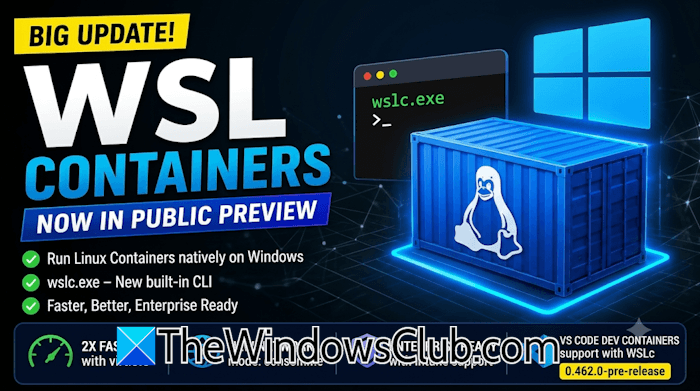
WSL container is now available for public preview on Windows
Containers have become a foundational part of modern development. WSL containers will simplify this experience by providing a built-in, enterprise-ready way to create, run, and manage Linux containers on Windows without running any third-party tools.
This major update has added the following new features to WSL:
- A built-in Linux container CLI: Developers will get a new binary, wslc.exe, after updating WSL to the latest version. This binary will allow developers to run, test, and debug containers using familiar syntax. Moreover, it also includes a built-in container.exe alias to keep workflows familiar for developers.
- WSL Container API: It is a dedicated API that allows Windows applications to directly use containers as part of their application logic. Additionally, WSL will contain a Nuget package that adds support for C, C++, and C#. This Nuget package is available at nuget.org and also on the WSL releases page.
For organizations, Microsoft will be adding new management settings for the WSL container, allowing them to control whether employees can use WSL distros or containers in the organization.
Windows 11 can now run Linux containers with WSL Containers without relying on Docker Desktop
This update also includes several WSL improvements. A new default file system for the WSL container has been introduced: virtiofs. Microsoft claims that this file system will make Windows file access two times faster. Additionally, a new default experimental networking mode for WSL containers, consomme, has been introduced, which aims to improve compatibility.
Developers can install this release by running the wsl --update --pre-release command, or they can download and install it directly from GitHub.
For more detailed information, you can visit Microsoft’s official blog.

Leave a Reply