
Microsoft is phasing out SMS codes as a verification method for personal and work accounts. Soon, users will no longer receive SMS codes for account verification and sign-in. According to Microsoft, they are making this change to make users’ accounts more immune to cyberattacks. This article covers all important highlights of this update.
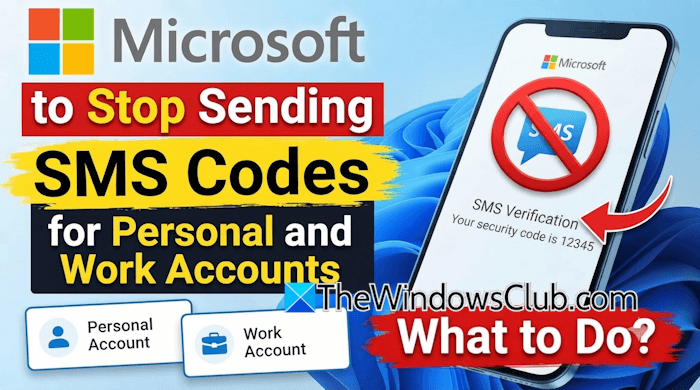
Microsoft to stop sending SMS codes for personal and work accounts
You can add multiple sign-in methods to your Microsoft account. If you are locked out of your Microsoft account, you can use these sign-in methods to recover it. SMS is one of these sign-in methods, but Microsoft is retiring it for account verification and sign-in. Microsoft has already started rolling out this update to all personal account users and has removed the option to add a phone number to personal accounts. You can verify this in your account security settings.
Microsoft says that SMS authentication is vulnerable to phishing and SIM-swap attacks. That’s why they are replacing it with passkeys and verified email for better protection and convenience.
SMS-based authentication is now a leading source of fraud, and by moving to passwordless accounts, passkeys, and verified email, we’re helping you stay ahead of evolving threats while making account access simpler and more seamless.
Microsoft also shared a timeline for retiring SMS and voice authentication for work accounts. From 1st February 2027, Microsoft will retire SMS and voice authentication in Entra ID for all users, and 1st July 2027 for Global Administrators and external users. Customers who still require SMS and voice authentication methods after 1st February 2027 must configure a telephony provider through the Microsoft Security Store. Otherwise, they will not be able to use SMS or voice authentication methods to complete MFA.
What should you do next?
Microsoft suggests moving to other authentication methods, such as passkeys. Passkeys are the most secure way to sign in to your Microsoft account. Users should also add alternate email addresses to their Microsoft accounts to help them recover their account. If you don’t configure passkeys or add alternate email accounts to your Microsoft account, you won’t be able to sign in. The complete information is available at Microsoft’s official blog.
