
Microsoft has officially announced a final date for the retirement of Microsoft Defender Application Guard (MDAG) for Windows 11 as part of its broader shift in security architecture. Support for the hardware-based isolation tool will end on November 10, 2026. It also marks the end of an era for the Hyper-V-based container technology.
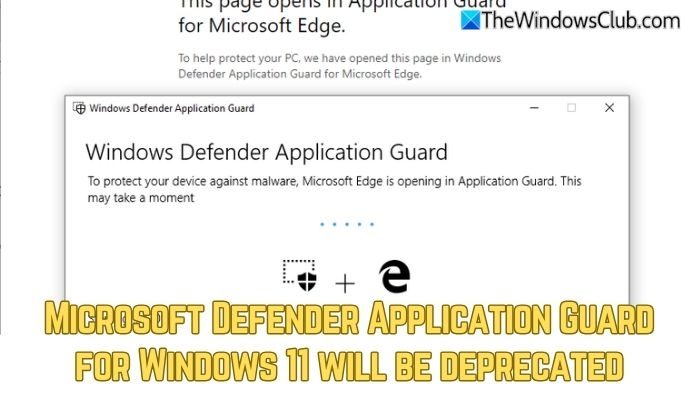
Microsoft Defender Application Guard for Windows 11 to be deprecated
Although MDAG was discontinued in late 2023, the final deadline for enterprise environments is November 2026. The date specifically aligns with the end of support for Windows 11 version 23H2 (Enterprise and Education editions). Furthermore, with the release of Windows 11 version 24H2, the feature has already been removed for new installations, and Microsoft is now moving its users toward more modern, integrated security features.
- Windows 10 reached its end of support on October 14, 2025. However, MDAG remains available.
- MDAG will continue to be supported in Windows 11 until the end of support for Windows 11 23H2, which is November 10, 2026. After this date, Microsoft may disable APIs required for MDAG to function, which could render the feature non-functional.
The change comes from advancements in native browser security features. Microsoft Edge now includes several features that provide comparable protection with improved performance, such as Microsoft Defender SmartScreen, which offers anti-phishing and malware protection. The Enhanced Security mode helps reduce attacks by disabling just-in-time (JIT) JavaScript compilation, and more.
Now that MDAG has a final deadline, it will no longer receive security updates, bug fixes, or technical support. After the deadline, untrusted Word, Excel, or PowerPoint files will open in Protected View. Also, Edge browser extensions and associated APIs that launch untrusted sites in a container will cease to function.
However, Microsoft strongly recommends that admins start transitioning to Windows Defender Application Control and AppLocker policies to manage untrusted content and prevent unauthorized code execution. Microsoft also recommends using Microsoft Defender Application Guard alternatives like Windows Sandbox, Microsoft Defender SmartScreen, Azure Virtual Desktop, etc. to help organizations continue protecting their networks and data effectively.

Leave a Reply